
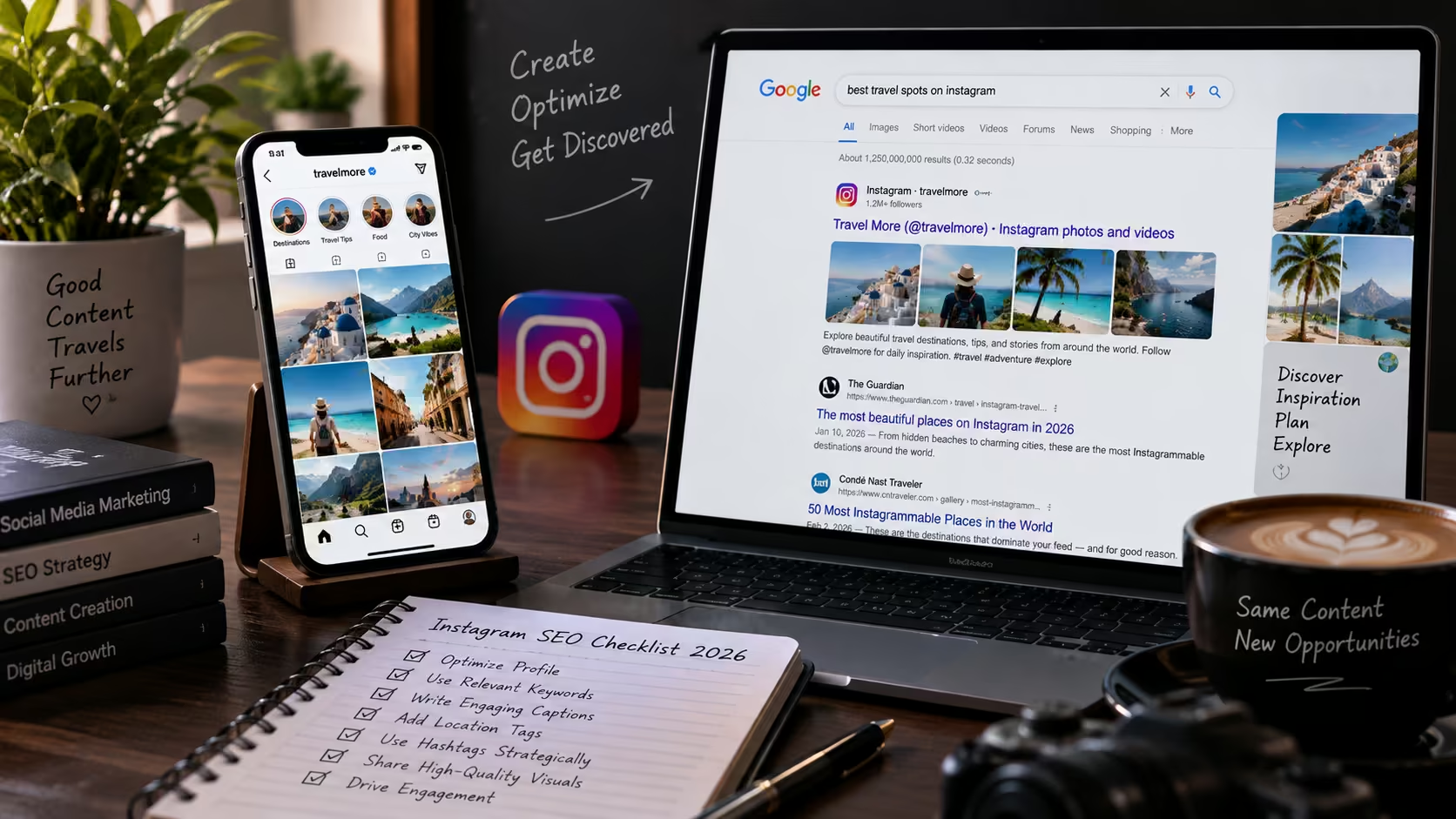
Quick answer: Yes — photos and videos from an eligible public Instagram professional account can be indexed by Google. But eligibility doesn't guarantee indexing, and indexing doesn't guarantee ranking. Google still decides what it crawls and shows. The steps below cover how to make each post genuinely indexable, useful, and connected to your website.
Photos and videos from an eligible public Instagram professional account can be indexed by Google and other search engines. That means a Reel, carousel or single-image post may reach someone who is searching on the open web — not only someone scrolling inside Instagram.
Instagram controls whether search engines may access eligible content; Google still decides what it crawls, indexes and shows for a particular query. Your job is to make each post understandable, useful and connected to a credible destination.
This checklist explains how to do that without stuffing captions, chasing every trend or treating Instagram as a replacement for your website.
Why Instagram Posts Can Appear in Google Search
Instagram's official Help Center explains that search engines may index public photos and videos when an account meets its criteria, including being a professional account. Reporting at the time of the rollout dates the broader change to 10 July 2025 and notes that eligible business and creator accounts could allow public posts, carousels, Reels and videos to appear outside Instagram. See Instagram's indexing guidance and PPC Land's contemporaneous rollout report.
This creates two discovery paths: people can find a post inside Instagram through Search, Explore and recommendations, while a search engine may surface the public profile or eligible post on the open web. Instagram's own explainer says Search considers the words a person types alongside account, hashtag and place information. Its broader ranking explainer adds that different surfaces use different ranking systems and personalized signals. Read how Instagram Search works and Instagram's ranking explainer.
Comparing Instagram Discovery vs. Your Website
| Feature | Instagram Discovery | Your Website |
|---|---|---|
| Who controls ranking | Instagram + Google, jointly | You, largely |
| Content lifespan | Can be buried by newer posts | Permanent unless you change it |
| Measurement depth | Limited to Instagram Insights | Full analytics, conversion tracking |
| Lead capture | Indirect (bio link, DMs) | Direct (forms, calls, checkout) |
| Best used for | Discovery, brand awareness, local/branded search | Conversion, authority, long-term SEO |
Step-by-Step Optimization Strategy
-
Step 1: Confirm That Search Engines Are Allowed to See Your Content
Check that the account is professional and public, then review Instagram's current search-engine visibility setting in the app. Menu names can change, so use current Help Center instructions. If privacy, licensing, consent or confidentiality matters, decide deliberately whether external indexing is appropriate.
Also review older public content. A post created for followers a year ago may need a clearer caption, a better cover or removal before it becomes a search entry point. Never make a private or sensitive post public merely for SEO.
-
Step 2: Choose Search Themes From Customer Language
A searchable Instagram account has a clear subject. Choose three to five themes that connect what customers ask with what the business genuinely offers.
For a local interior designer, themes might include small-apartment ideas, modular kitchen planning, renovation costs and location-led service questions. An ecommerce skincare brand might organize posts around skin concerns, ingredients, routines and buying guidance.
Use Instagram autocomplete, comment questions, direct-message FAQs, website Search Console queries, sales calls and customer-support logs as research inputs. A useful theme is broad enough for several posts but specific enough to serve one recognizable audience.
Avoid creating a separate post for every small variation of the same keyword. Google's people-first guidance warns against publishing at scale simply to attract search visits. One complete, experience-backed answer is more valuable than ten thin variations. See Google's people-first content guidance.
-
Step 3: Make the Profile Explain the Business in Seconds
Your profile should answer four questions quickly: Who are you, what do you offer, who is it for, and where do you serve them?
Review five fields: keep the username recognizable and stable; add a natural category to the name field when useful; make the bio state the service, audience and area; keep the category and contact details accurate; and send the bio link to the page that best continues the profile's promise. Do not change an established handle merely to insert a keyword.
Someone landing from Google should understand the account before deciding whether to follow, visit or enquire.
-
Step 4: Write Captions Around One Real Question
Treat every post as a small answer page. Open with the problem or outcome, provide the useful explanation, and close with a next step.
For example, a weak caption might say: "Another beautiful website completed! Contact us for more."
A more useful version would begin: "What should a local clinic include on its homepage? Start with a clear service area, appointment action, trust information and mobile-friendly contact options." Then explain each choice and link to a relevant page—for instance, our own website design services page, where we break down exactly this kind of homepage structure.
Use the main phrase where it belongs, then write normally. Repeating "website designer Chandigarh" in every line makes the post harder to trust.
Hashtags can still provide context and browsing paths, but they should not carry the whole strategy. Use a small, relevant set tied to the topic, audience, brand or location. Skip unrelated "viral" tags that attract the wrong viewer.
-
Step 5: Give Reels Enough Context Without Sound
A Reel should communicate its topic even when a viewer has the sound off or lands on it from a search result.
Use:
- A clear cover that names the problem;
- Readable on-screen text;
- Accurate captions or subtitles;
- A spoken explanation that matches the visual; and
- A written caption that adds detail rather than repeating the video word for word.
For a bakery, "3 reasons sourdough turns dense" is clearer than "You won't believe number three." For a service business, "What happens during a technical SEO audit" beats a generic office montage—which is exactly the kind of process breakdown we use in our own social media marketing content.
Current 2026 industry guidance also emphasizes combining profile clarity, natural keywords and useful Reels rather than relying on a single metadata field. See this 2026 Instagram SEO guide from Toptal Creator. Treat any tactic as a hypothesis to test, not a platform promise.
-
Step 6: Use Alt Text for Accessibility First
Instagram can generate alternative text automatically, and it also lets publishers edit the description. The primary purpose is to help people using screen readers understand an image. See Instagram's alt-text guidance.
Write what the image actually shows. "Marketing manager reviewing Instagram reach and website clicks on a laptop" is useful. A list of repeated keywords is not.
Use the same principle for the featured image on your website. Google says descriptive filenames and accurate alt text help it understand image subject matter, while keyword stuffing creates a poor experience and may be treated as spam. See Google's image SEO guidance.
-
Step 7: Add Local SEO Signals to Instagram Posts
Local Instagram SEO is not about inserting a city into every sentence. It is about removing uncertainty for someone who needs a nearby provider.
When relevant, name the service area, use an accurate location tag, show locally recognizable advice, keep contact information consistent and link to a strong local page. A salon could publish "How to choose a bridal hair trial in Chandigarh" with its process and booking link. A global software company does not need to force a city into every post.
-
Step 8: Connect Every Searchable Post to the Right Web Page
Instagram visibility is useful, but a business usually owns the conversion experience on its website. Map each post to its logical destination: a detailed guide, matching service page, product page, location page or focused campaign page.
The destination should load quickly on mobile, continue the same message and make the next action obvious. Add UTM parameters where practical. A visitor may discover a Reel in Google, inspect the profile, open the website and convert later, so last-click traffic may not tell the full story.
-
Step 9: Measure Visibility, Engagement and Business Action
Do not judge Instagram SEO only by follower growth. Track three layers:
- Discovery: Review non-follower reach, accounts reached, profile visits and posts that keep attracting views beyond their first publishing window.
- Usefulness: Look at saves, shares, meaningful comments, video retention and follow-up questions. These reveal whether the content solved a real problem.
- Action: Measure link clicks, tracked website sessions, enquiries, bookings and assisted conversions. Record each post's topic, format and call to action so patterns become visible.
Compare similar posts over four to six weeks. Changing every variable at once makes it difficult to learn what helped.
Example Case: A client saw non-follower reach increase significantly after implementing Steps 3–6 over a six-week period, with multiple enquiries directly attributed to Instagram via UTM-tagged bio links.
A Simple 30-Day Instagram SEO Test
Use one month to build evidence for your own account:
| Days | Focus & Action Plan |
|---|---|
| Days 1–3 | Confirm settings, audit the profile, choose three customer-led themes. |
| Days 4–17 | Test a Reel, carousel and image post across the first two themes; improve covers and openings using early evidence. |
| Days 18–24 | Publish the third theme and connect every post to the right website page. |
| Days 25–30 | Compare discovery, usefulness and action; keep what worked and revise what was unclear. |
Document the baseline before starting. Without it, a rise or fall in reach is easy to misread.
Common Instagram SEO Mistakes
- Assuming eligibility guarantees Google indexing or a first-page ranking.
- Making content public without reviewing privacy and permissions.
- Packing profiles and captions with repeated phrases.
- Using generic covers or videos that make no sense without sound.
- Writing alt text for keywords instead of accessibility.
- Sending every visitor to an unrelated homepage.
- Copying competitors without adding expertise.
- Reporting likes while ignoring enquiries and conversion.
Rule of thumb: Help a specific person complete a specific task, then make the next step obvious.
Turn Instagram Discovery Into a Measurable Search System
Instagram SEO works best when profile strategy, content, visual design, video, website SEO and conversion tracking point in the same direction. VR Web Studios' agency profile and company portfolio document capabilities across social media marketing, SEO, graphic design, video editing, web design and development.
If your posts earn attention but do not lead to qualified website visits or enquiries, VR Web Studios can review the complete path — from Instagram profile and content themes to landing pages and measurement. Explore our Digital Marketing Services or contact the team for a practical cross-channel audit.
Frequently Asked Questions
A: No. Instagram limits indexing to content that meets its current eligibility and visibility rules, and the search engine still decides whether to crawl, index and display it.
A: Not reliably. There is no reliable basis for promising that one professional account type automatically ranks better. Choose the type that matches how you operate, then focus on relevance and quality.
A: Only for context, not ranking. Relevant hashtags add context, but they cannot replace a clear profile, useful caption and strong creative. Use them selectively.
A: Not directly, but it helps. Alt text gives an accurate description to people who cannot see the image and may add context, but Instagram does not promise a ranking lift from adding keywords. Write it for accessibility first.
A: There's no fixed timeline. Establish a baseline and evaluate consistent groups of posts over several weeks rather than judging one upload.
A: No. Instagram is a discovery channel; your website gives you more control over information, measurement, lead capture and conversion. Let the two support each other.
