
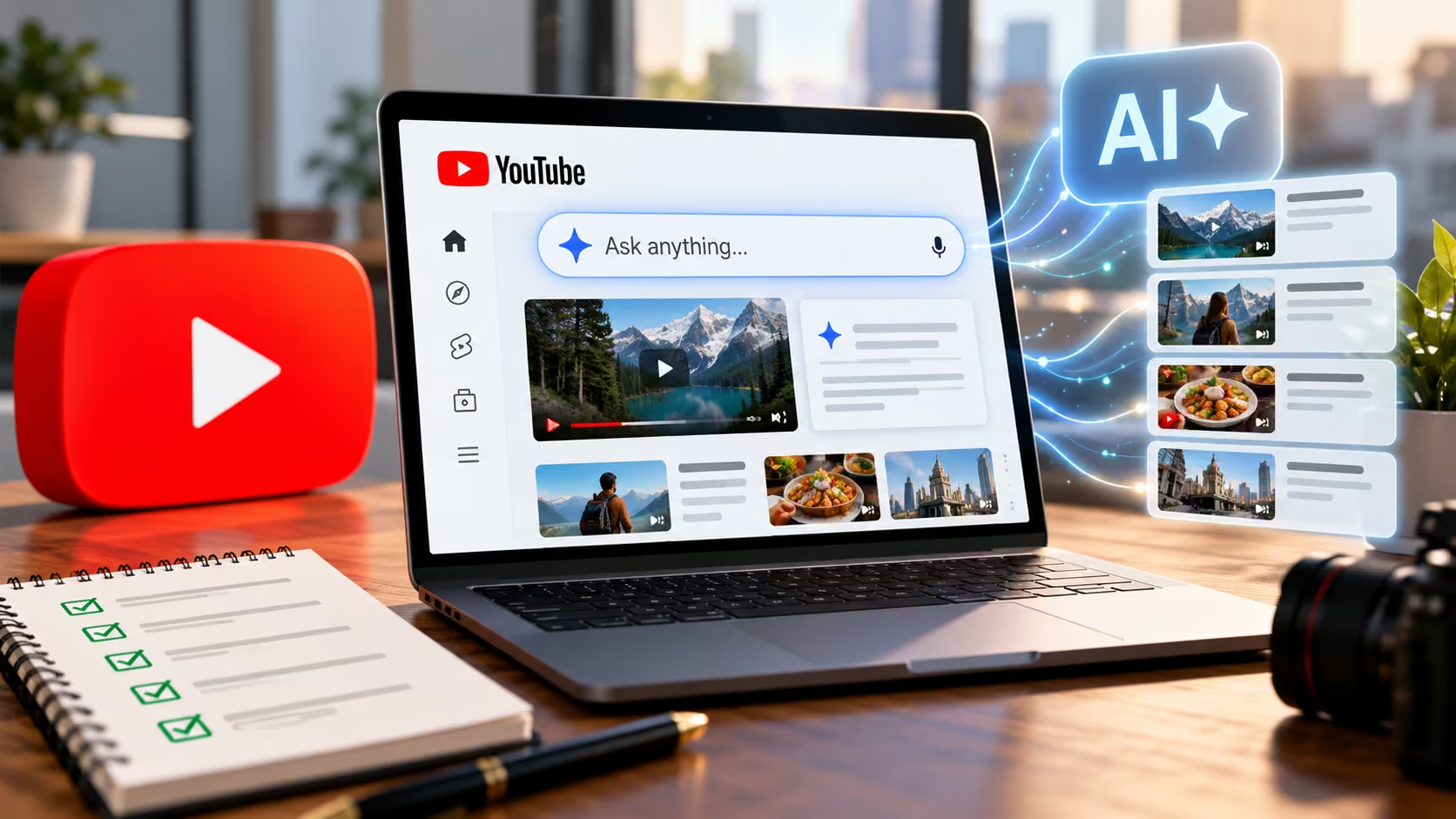
YouTube search is becoming conversational. Some viewers can now ask a detailed question, refine it with follow-ups, and receive an answer that mixes text, long-form videos, Shorts, and relevant clips.
YouTube announced Ask YouTube on 19 May 2026. Its initial announcement described access for U.S. Premium members aged 18 and over. As of 24 September 2026, the current Ask YouTube Help page says the experiment is available to a limited number of U.S. users searching in English on computer, mobile, and TV, and is gradually expanding.
The direct answer: there is no published Ask YouTube submission form, special schema, or guaranteed optimisation switch. Prepare for this discovery path by making each video genuinely relevant to a clear question, giving the answer in the video, matching the title and description to the content, adding accurate chapters and captions, demonstrating credible expertise, and earning useful viewer engagement. These steps align with YouTube's stated search principles, but none guarantees that a video or clip will appear in an AI-generated response.
- Ask YouTube is an experiment with limited availability, so treat every detail as changeable.
- No special shortcuts exist like submission forms, special schema, or guaranteed placement methods.
- Viewer-first signals matter most, including relevance, engagement, and content quality.
- Clips can start mid-video, so each key segment must make sense on its own.
- Measure accurately using normal YouTube Search data without claiming unproven "AI traffic."
Here is how to adapt your video strategy for conversational discovery.
What Ask YouTube Changes, and What It Does Not
In YouTube's May announcement, Ask YouTube was presented as a way to handle complex queries and follow-up questions across the platform's catalogue. The current help documentation says responses may draw on real-time web information and YouTube content, present relevant clips at useful timestamps, and show the video title and channel so the viewer can continue watching.
That creates a new route into a video. A person may land on the exact segment that answers their question rather than starting at 00:00, so self-contained explanations and accurate segment labels matter more to the viewing experience.
It does not replace ordinary Search or the need to satisfy viewers. YouTube says Ask YouTube clip selection prioritises relevance, engagement, and quality. Its broader search documentation says it evaluates how well the title, tags, description, and video content match a query, considers engagement such as watch time, and looks for quality signals such as expertise, authoritativeness, and trustworthiness.
Two current limitations matter. Ask YouTube is still experimental and not globally available, and its help page says playlists and Premium-exclusive content are not currently eligible to appear in search responses. Treat every availability detail as changeable.
The Signals Worth Improving
Understanding the core evaluation signals helps structure your production workflow for better discovery.
| Signal | Practical Action | Why It Matters |
|---|---|---|
| Relevance | Align the real query with the title, description, spoken answer, chapters, and visuals. | YouTube says Ask search identifies clips that directly answer the question. |
| Engagement | Deliver the promised answer clearly and make the full video worth continuing. | YouTube cites engagement and query-related watch time among Search signals. |
| Quality | Show credible expertise, evidence, dates, sources, and corrections. | YouTube looks for signals of expertise, authoritativeness, and trustworthiness. |
| Accessibility and Context | Correct captions; use descriptive chapters and complete answer segments. | Viewers can understand, navigate, and revisit the content more easily. |
YouTube has not published a guaranteed Ask YouTube optimisation formula. The practical pattern is consistency: the query, promise, spoken content, metadata, and viewer experience should all describe the same useful answer. A clever title cannot make up for a video that never resolves the question.
Nine SEO Checks for Ask YouTube Discovery
1. Build the video around one answerable intent
Start with the question a real customer would ask, not a vague topic label. "Email marketing" is broad; "How do I clean an email list without losing active subscribers?" gives the creator a specific task, audience, and outcome. Collect questions from sales calls, support tickets, Search Console, YouTube Studio, and comments. Group close variations into one complete video instead of producing a thin upload for every phrase.
2. State the answer early and say the key entities aloud
Use the opening to confirm what the video will solve, then give a concise answer before expanding. Name the product, place, method, version, or date when it materially changes the advice. For example, a WordPress tutorial should say which version and editor it demonstrates. A comparison should identify the products and the basis of comparison. Don't force keywords into every sentence; make the explanation unambiguous to someone arriving at a relevant clip.
3. Make the title and thumbnail promise the same outcome
An accurate title helps YouTube judge relevance and helps the viewer decide whether to watch. Use the language of the problem, a meaningful differentiator, and the current year only when freshness genuinely matters. The thumbnail should reinforce that promise, not introduce a second claim. Avoid before-and-after imagery the video cannot prove. Misalignment may win a click but create early exits and distrust.
4. Use the description to add context, not repeat keywords
Write a short opening paragraph explaining who the video is for, what it covers, and any important limitation. Follow with relevant resources, sources, disclosures, and a clear next step. YouTube allows descriptions of up to 5,000 characters, but length is not the goal. Its video-settings documentation says tags play a minimal discovery role except for common misspellings. Prioritise accurate language and evidence.
5. Add descriptive chapters to long-form videos
Chapters make a long video easier to scan and revisit. YouTube says they add context to individual sections and may appear in transcripts. Manual chapters begin at 00:00, require at least three timestamps in ascending order, and each chapter must last at least ten seconds. Review the current video chapters requirements before publishing. Use labels that describe the question or outcome: "Choosing a backup type" is more informative than "Step two." Don't create a new chapter every few seconds or name a chapter after a topic the segment barely covers.
6. Correct captions and preserve important non-speech context
Captions are first an accessibility feature. They make spoken information available to deaf and hard-of-hearing viewers and help people watching in noisy or sound-off situations. YouTube supports uploaded caption files, auto-sync, and manual entry, and its caption guidance advises including meaningful non-speech information such as applause or thunder. Review names, technical terms, and numbers, because automatic captions can mishear them. YouTube has not promised that corrected captions alone produce Ask YouTube placement.
7. Make each important segment understandable on its own
Because Ask YouTube may send a viewer to a relevant timestamp, don't make every useful segment depend on something said ten minutes earlier. Briefly restate essential context before an answer, show the object or interface being discussed, and explain what the viewer should do next. Think in complete modules: question, answer, proof or demonstration, limitation, and transition. The full video should still reward continuous viewing.
A note on Shorts: Ask YouTube responses can mix long-form videos and Shorts, so short-form content deserves the same discipline. Make each Short answer one narrow question within the first few seconds, and reinforce the answer with clear on-screen text while also saying it aloud. Where a Short introduces a topic your long-form video explains fully, use YouTube's related-video link to point viewers to the complete answer. Avoid cutting long videos into fragments that lose the context needed to understand them.
8. Demonstrate quality instead of declaring expertise
Show the process, evidence, source, or real example behind the recommendation. Date time-sensitive advice. Identify the presenter or organisation, separate fact from opinion, and correct material errors in the description when re-editing is impractical. For software, show the current interface and version. For comparisons, state what was tested. Higher-risk topics need qualified expertise and appropriate caution. Ask YouTube itself tells users to verify important information and warns that generated responses can vary in accuracy.
Example in practice: Updating a technical breakdown video to explicitly feature chapters like "06:40 Technical audit checks" and correcting automatic transcription terms made the segment instantly clear to viewers landing directly on the clip.
9. Measure discovery without inventing an "AI traffic" report
Record a baseline before changing older videos. Review YouTube Search traffic, available search terms, impressions, click-through rate, watch time, retention around the answer, and meaningful actions. Compare a group of videos over several weeks rather than judging one upload. YouTube's public Ask documentation does not describe a dedicated creator analytics report for Ask YouTube placements. Unless YouTube introduces one, don't label ordinary Search traffic as proven AI discovery. Keep a change log for titles, descriptions, chapters, and captions so later movement has context.
Connecting Your YouTube Videos to Your Website
Ask YouTube works inside YouTube, but many businesses also want their videos to support their own website in Google Search. That is a separate system with separate requirements. For your most important videos:
- Embed the video on a relevant page where it is a main part of the content, not an afterthought.
- Add supporting text that expands on the video, such as a summary, key steps, or a cleaned-up transcript.
- Use valid VideoObject structured data that matches what's visible on the page, and include the video in a video sitemap.
- Link across platforms from the YouTube description to that page, and from the page back to the video or channel.
None of this controls Ask YouTube selection. It helps the same answer work across YouTube, your website, and Google Search.
How AI Overviews Are Changing SEO
Ask YouTube isn't the only place where AI now answers before a viewer clicks. In Google Search, AI Overviews and AI Mode summarise answers at the top of the results page and link to supporting sources, which often include YouTube videos. Google Search and YouTube are separate systems, but the shift is the same: being the clearest, most trustworthy answer matters more than holding a single blue-link position.
AI Overviews launched in the U.S. in May 2024 and have since expanded to many more countries and languages. AI Mode, a fuller conversational search experience, followed in 2025. Check Google's current announcements for the latest availability before publishing.
Three changes matter most for businesses:
- Fewer clicks for simple questions. When an AI summary answers a basic query directly, some searchers never visit a website. Third-party studies report lower click-through rates on many queries that show AI Overviews, though results vary by query type and industry.
- Citations are the new visibility. Being one of the linked sources inside an AI answer can bring highly qualified visitors, because they arrive wanting more depth than the summary gives.
- Fundamentals still decide who gets cited. Google says there is no special markup or setting for AI features. Crawlable pages, helpful original content, clear structure, accurate structured data, and strong page experience remain the foundation.
Measurement has become harder as well. Google Search Console includes AI feature traffic within its overall Web search performance data rather than in a separate report. As with Ask YouTube, avoid labelling ordinary search traffic as "AI traffic" you can't actually prove.
What Not to Do
- Publish many near-identical videos for slight variations of a conversational query.
- Add "Ask YouTube" to titles when the video is not about the feature.
- Stuff descriptions, captions, or chapter names with repeated phrases.
- Use unrelated trending entities to make the video appear current.
- Treat tags as the main discovery strategy.
- Rely on playlists for Ask YouTube visibility (playlists aren't currently eligible in search responses).
- Put the key answer only in on-screen graphics without speaking it aloud.
- Promise selection, citations, rankings, or traffic that YouTube does not guarantee.
- Optimise a clip so aggressively that the complete video becomes confusing or unpleasant to watch.
Ask YouTube SEO FAQs
Is Ask YouTube available worldwide?
No. As checked on 24 September 2026, YouTube describes it as an experiment for a limited number of users in the United States searching in English on computer, mobile, and TV, with gradual expansion. It is not available in YouTube Kids or supervised kid accounts, and availability may change.
Is Ask YouTube search the same as Ask YouTube on a watch page?
No. The search experience helps users explore across YouTube with a conversational query. The watch-page experience answers questions about the video currently being viewed and can suggest related content. Availability and behaviour differ, so avoid treating them as one feature.
Can Shorts appear in Ask YouTube answers?
YouTube's description of Ask YouTube includes Shorts among the content a response can show. As with long-form videos, inclusion isn't guaranteed. A Short that answers one clear question quickly is better prepared than one that relies on trends alone.
Do chapters or captions guarantee inclusion in Ask YouTube?
No. Chapters improve navigation and context, and accurate captions improve accessibility and the text version of what's said. YouTube has not published a guarantee that either causes inclusion. They belong in a complete, viewer-first optimisation process.
Does a creator need special schema for Ask YouTube?
No Ask YouTube-specific schema is documented. If a business embeds an original video on its own webpage, valid VideoObject structured data may help Google understand that page's video, but it does not control Ask YouTube selection. The markup must match visible content and Google's current requirements.
Should older videos be optimised for conversational search?
Yes, when the content is still accurate and useful. Update the title, description, chapters, and captions without changing the video's true promise. Replace the video when its advice, visuals, or claims are materially outdated.
Quick-Reference Checklist
- One clear, answerable question per video
- Answer stated early; key entities said aloud
- Title and thumbnail promise the same outcome
- Description adds context, sources, and a next step
- Descriptive chapters that meet YouTube's requirements
- Captions corrected, including names, terms, and numbers
- Key segments make sense on their own
- Evidence, dates, presenter, and corrections shown
- Baseline recorded and changes logged
Make Videos Easy to Understand Before Making Them Findable
Ask YouTube changes discovery, but not the need for substance. The strongest preparation is a video that answers a real question, supports its claims, respects the viewer's time, and uses accurate metadata.
If your channel has useful videos that are hard to find or poorly connected to your website, our team can review the whole discovery path, from topic selection and metadata to landing pages and measurement. Explore the vR Web Studios SEO service or contact the team to discuss an SEO and content audit.
